
Last week I wrote about MemPalace — the AI memory system that went viral when actress Milla Jovovich pushed it to GitHub and watched it hit 23,000 stars in 72 hours. The tool solves a real problem: AI agents forget everything when a session ends, and MemPalace gives them structured, hierarchical, local memory with near-zero operating cost.
Several readers followed up with a version of the same question: that’s great for one machine, but what if I want my AI to remember something I told it on my phone, and then have that context available when I’m working in Cursor on my laptop an hour later?
That’s a different problem. It requires a different architecture. Nate Jones built one. He calls it OpenBrain.
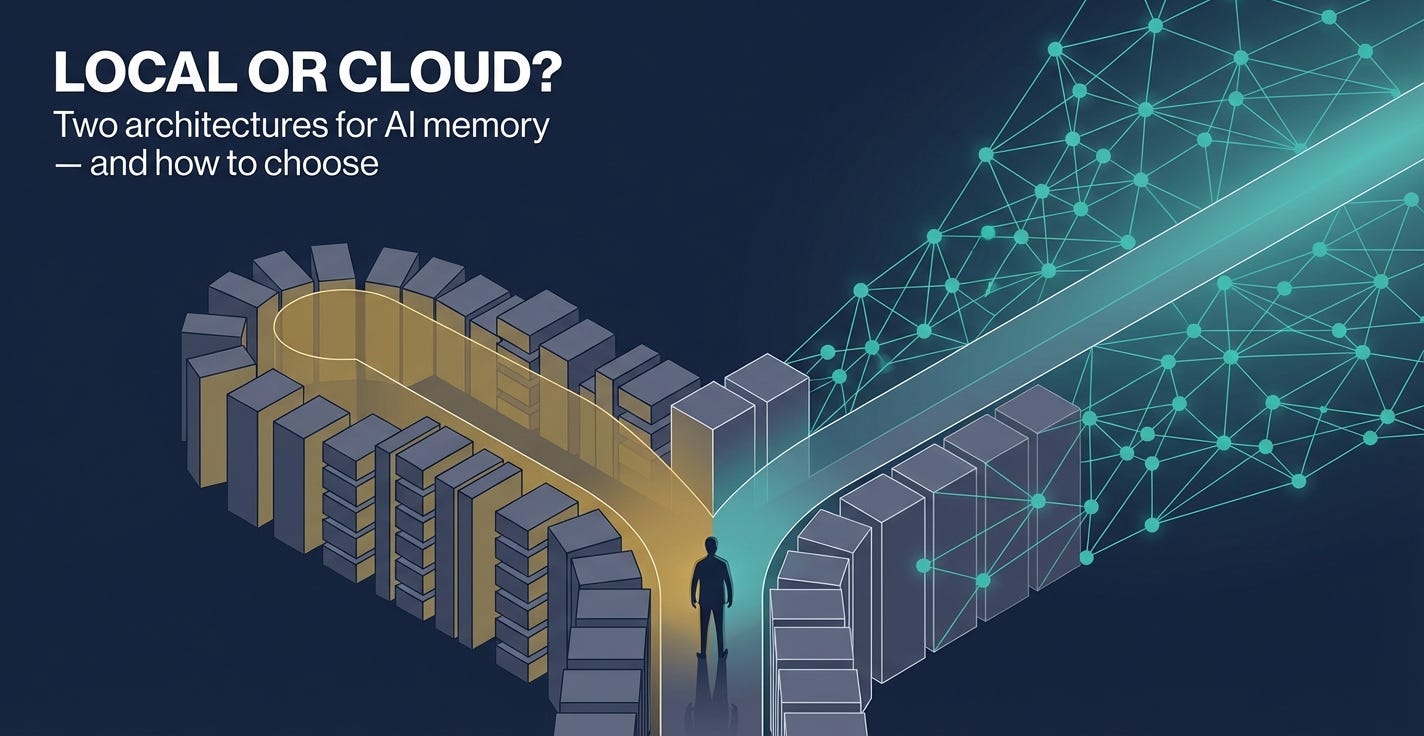
This piece compares both systems in depth — not to declare a winner, but because the design tradeoff between them maps onto a choice that anyone building with AI agents will eventually have to make. The choice between local-first and cloud-native memory is not just a technical preference. It’s a decision about data sovereignty, workflow coverage, team structure, and long-term operating cost. Understanding the tradeoff clearly is more useful than a recommendation that doesn’t account for context.
---
The Problem, Again — But Deeper This Time
I covered the session amnesia problem in the MemPalace piece, but it’s worth going further here because the two tools address different dimensions of the same root issue.
The standard LLM architecture is stateless. Each session starts empty. The model has no access to anything that happened before the current conversation unless you explicitly provide it. This is a design property, not a bug — statelessness makes inference servers easier to scale and simplifies the computational model significantly. But it creates a fundamental mismatch between what AI agents are capable of within a session and what they can do across time.
The mismatch matters more as the tasks get more serious. For a one-off question, session amnesia is irrelevant. For an ongoing project — refactoring a codebase over six weeks, building and iterating on a compliance program, managing a content strategy across months — the loss of accumulated context is a real tax on productivity. You spend time re-establishing what was already established. The agent makes suggestions that contradict decisions made two months ago because it has no record of those decisions. You catch the error, explain the history again, and move on — until the next session, when you do it again.
The existing workarounds each fail in a specific way.
Context window stuffing is the blunt instrument. If you need the AI to know what happened before, paste it all in. This works until the history grows beyond what’s practical to paste. At commercial inference rates, a session with 200,000 tokens of historical context costs real money every time. At 500,000 tokens, it becomes prohibitive. For agents running dozens of sessions per day, the economics don’t hold.
LLM-generated summaries are more elegant but structurally lossy. The agent periodically compresses past context into a summary document, which gets injected into future sessions. The compression discards information — that’s the point of summarization. The specific decision made in the third session of a project, the exact constraint identified by a stakeholder in week two, the precise error condition that caused a refactor — these details survive summarization inconsistently. The summary captures the general shape of the history but not the texture that matters most when a related question comes up months later.
Static instruction files — CLAUDE.md and equivalents — are excellent for fixed preferences, standard project conventions, and recurring rules. They break down for anything dynamic. A file that says “we use PostgreSQL” doesn’t tell the agent why you switched from MongoDB in October, what the migration pain points were, or which tables still have legacy schema decisions that need to be respected. Static files are an instruction set, not a memory.
What both MemPalace and OpenBrain are attempting to build is a memory layer that is persistent, searchable, verbatim, and efficient — something that sits between the agent and the conversation history and gives the agent access to the full texture of prior work without requiring the full history to be present in every session’s context window.
They do this in architecturally opposite ways.
---
The Model Context Protocol: The Common Layer
Before going into each tool’s architecture, it’s worth explaining the Model Context Protocol (MCP), because both tools use it and the concept is central to understanding how they work.
MCP is an open standard, originally developed by Anthropic, that defines how AI models interact with external tools and data sources. It establishes a common interface: an AI client (Claude Desktop, Cursor, ChatGPT in developer mode) can connect to any MCP server and use the tools that server exposes. The server handles the actual work — querying a database, writing to a file, calling an API — and returns results in a format the model can use.
For memory systems, MCP is the mechanism by which an AI agent can read from and write to a memory store without the user explicitly managing the interaction. The agent, mid-conversation, calls a memory tool to retrieve relevant context or store a new piece of information. From the user’s perspective, the AI just knows things it was told before. Under the hood, MCP is what makes that possible.
Both MemPalace and OpenBrain expose their storage layers as MCP servers. This is what allows them to integrate with Claude Code, Cursor, ChatGPT, and other compatible clients. The difference is where the storage lives — local for MemPalace, cloud for OpenBrain — and how the retrieval is structured.
---
MemPalace: Architecture and Performance
MemPalace stores everything on the machine where it’s installed. The vector database (ChromaDB) runs as a local process. The knowledge graph and metadata layer (SQLite) runs locally. No network call is required for any operation — storage, retrieval, or indexing — unless you’re using the optional LLM reranking step in hybrid mode.
The organizational structure is the distinctive design choice. Rather than a flat vector index where all memories are equally accessible, MemPalace imposes a spatial hierarchy borrowed from the ancient Method of Loci mnemonic technique:
Wings are the top-level containers — one per project, person, or major relationship context. Memories about a project live in its wing and don’t contaminate retrieval for other projects.
Halls within each wing correspond to memory types. There are five hall types: fact recall (static facts that don’t change), temporal events (things that happened at a specific time), multi-hop reasoning (complex interconnected knowledge requiring synthesis), knowledge updates (facts that supersede earlier facts), and synthesis (accumulated patterns and principles).
Rooms hold specific conversation threads or topic clusters within a hall.
Drawers contain individual verbatim exchanges, stored in ChromaDB for semantic retrieval.
When a query arrives, MemPalace runs a two-pass retrieval. The first pass classifies the query by memory type — is this a factual lookup, a timeline question, or a synthesis query — and searches only the relevant hall. This narrows the search space and reduces interference between different types of queries. The second pass searches the full corpus with hall-specific score bonuses, catching anything miscategorized in the first pass.
The practical result of this structure: retrieval outperforms flat vector search, particularly on queries that span a long time horizon or require distinguishing between current facts and historical context. The independent benchmark result is 96.6% accuracy on LongMemEval — the standard benchmark for AI long-term memory systems — compared to approximately 85% for Mem0 and 82% for Zep.
The system initializes with a 170-token startup load — the L0 and L1 layers that provide a minimal index. Deeper memory is pulled only when queried. Estimated annual LLM inference cost for typical use: approximately $0.70.
Memory accumulation is automatic. Every 15 messages, a background process sweeps the recent conversation, extracts topics, decisions, and code changes, and files them into the appropriate location in the palace structure. There is no manual “save this” step.
The physical constraint is also the design constraint: MemPalace memory lives on one machine. Accessing it from a different device requires either syncing the local database files manually or working around the local-first architecture in ways the tool wasn’t designed for.
---
OpenBrain: Architecture and Design Philosophy
Nate Jones built OpenBrain on the opposite premise: memory should live in the cloud so any AI on any device can reach it. The tool is less a standalone application and more a deployment pattern — a structured guide to building a personal knowledge system on infrastructure you control, exposed via MCP.
The storage layer is Supabase, an open-source alternative to Firebase built on PostgreSQL. Supabase provides a managed Postgres database, a REST API generated automatically from your schema, and serverless Edge Functions that can be deployed as MCP servers. Jones’s OpenBrain uses the pgvector extension — a Postgres extension that adds native vector similarity search — to store thoughts as 1,536-dimensional embeddings alongside the raw text and JSON metadata.
The schema is straightforward: a `thoughts` table with a UUID primary key, a `content` text field, an `embedding` vector field, a `metadata` JSONB field for structured data (topics, people, action items), and timestamp fields. Three indexes are created: an HNSW index on the embedding field for fast vector similarity search, a GIN index on the metadata field for structured filtering, and a standard index on the creation timestamp for date-range queries.
The MCP server is a Deno-based Edge Function deployed via the Supabase CLI. It exposes an HTTP endpoint — `your-project.supabase.co/functions/v1/mcp?key=your-access-key` — that any MCP-compatible AI client can call. When a new thought is saved, the edge function calls OpenRouter to generate the vector embedding and extract structured metadata. When a query arrives, it runs cosine similarity search against the stored embeddings and returns the most relevant results.
The setup process takes approximately 30 minutes and requires no programming. You create a Supabase account, create a project, enable the pgvector extension, run four SQL commands in the Supabase SQL editor, get an OpenRouter API key with approximately $5 in credits, deploy the edge function, and configure your AI clients to connect to the endpoint. Jones’s documentation is detailed — he includes a video walkthrough and a credential tracker spreadsheet, with explicit warnings about which API keys can’t be retrieved after you navigate away from the page.
Once configured, the system is universally accessible. Any MCP-compatible AI client — Claude Desktop, Cursor, ChatGPT in developer mode — can read from and write to the same Supabase database regardless of what device it’s running on. A note captured on ChatGPT mobile during a commute is immediately available to Cursor when you open your laptop. A decision logged by Claude during a session on one machine is queryable from any other.
The cost model is modest but present. Supabase’s free tier includes 500MB of database storage and 2GB of bandwidth per month — adequate for personal use and small team use. The OpenRouter embedding and extraction calls are inexpensive; Jones estimates $5 in credits lasts months for typical usage patterns. At higher volume, costs scale, but not dramatically.
The data sovereignty question is more nuanced than it first appears. The default path puts your data in Supabase’s managed cloud, which is hosted on AWS. For many users, this is a reasonable tradeoff for the cross-device accessibility. For users with stricter requirements, Supabase is fully open-source and self-hostable — you can run the entire stack on your own infrastructure. This requires more setup than the default path and some familiarity with Docker and Postgres administration, but the option exists. OpenBrain’s architecture is not inherently cloud-dependent; it’s Supabase-dependent, and Supabase can be self-hosted.
---
Vector Storage: ChromaDB vs. pgvector
The underlying storage technologies are worth comparing directly, because they represent different positions in the vector database ecosystem.
ChromaDB, which MemPalace uses, is a purpose-built vector database designed for embedding storage and similarity search. It’s optimized for the specific operations AI memory systems need: fast nearest-neighbor search, metadata filtering, and document storage. It runs as an embedded database — no separate server process — which is what makes MemPalace’s local-first architecture so lightweight. ChromaDB is widely used in the LangChain and LlamaIndex ecosystems and has a large developer community.
pgvector, which OpenBrain uses, is a PostgreSQL extension that adds vector similarity search to a relational database. This is architecturally significant. By storing embeddings inside Postgres rather than a separate vector database, you get the full power of SQL for everything that isn’t a vector search. You can filter by metadata, join across tables, run date-range queries, aggregate across records, and combine vector similarity with structured conditions — all in a single query. For a system intended to capture and retrieve structured information about projects, people, and decisions, the relational capabilities of Postgres are genuinely useful.
The tradeoff is operational complexity. Running a Postgres database in the cloud requires either a managed service (Supabase’s offering) or your own infrastructure. ChromaDB embedded in a local process requires nothing except the Python package.
For most personal use cases, ChromaDB is simpler and adequate. For use cases that involve complex querying — filtering memories by project, by date range, by topic, across multiple people — pgvector inside Postgres is architecturally superior.
---
Real-World Workflow Fit
The technical architecture is only half the evaluation. The other half is how each tool fits into actual working patterns.
Consider a few representative workflows:
Scenario 1: Solo developer, single machine, long-term project. You work primarily in Cursor on one laptop. You’re building a product over six months and want the AI to accumulate institutional knowledge about the codebase, the architecture decisions, and the constraints you’ve discovered. MemPalace is the right tool. It runs silently in the background, accumulates context automatically, and costs nothing. You don’t need cross-device access because all the work happens in one place.
Scenario 2: Consultant with a hybrid workflow. You use ChatGPT on your phone to capture client notes and quick observations throughout the day. You do document work in Claude Desktop on a laptop. You write code in Cursor. You want all three environments to share context about each engagement. MemPalace can’t serve this use case — it’s bound to one device. OpenBrain is designed for exactly this. Every capture in any client goes to the same Supabase database. Every query in any client can retrieve from the full history.
Scenario 3: Small team with shared context needs. A team of three people are collaborating on an AI-assisted project. They want the AI to know about decisions made by different team members in different sessions. This is OpenBrain territory. MemPalace is single-user by design. OpenBrain’s cloud database can be shared across multiple users with different access keys.
Scenario 4: Organization with data compliance requirements. A healthcare or financial services organization wants to use AI agents for internal work but has obligations around where data is stored. MemPalace’s local architecture is simpler to evaluate against those requirements — the data stays on the machine where the work happens. OpenBrain’s default Supabase path puts data in AWS-hosted infrastructure. The self-hosted option is available but adds operational overhead.
None of these scenarios is hypothetical — they represent the range of actual use cases that are driving adoption of both tools.
---
Using Both Together
The binary framing of “local vs. cloud” obscures a practical option: using both simultaneously.
Both MemPalace and OpenBrain expose their storage layers as MCP servers. Most MCP-compatible clients support connecting to multiple MCP servers at once. In principle, you could configure Claude Desktop to connect to both MemPalace (for deep, structured, project-specific memory on your local machine) and OpenBrain (for cross-device capture of higher-level notes and decisions).
This isn’t a setup that’s been extensively documented, and there are likely edge cases around how competing memory systems interact when both are queried simultaneously. But the architectural possibility is real and worth exploring for anyone whose workflow spans both deep single-machine work and cross-device mobility.
---
The Larger Pattern
MemPalace and OpenBrain are both early tools solving an early problem. Neither is finished. Neither is yet a standard that enterprises will standardize on. But they represent something important: the memory layer for AI agents is being actively built by the developer community, not just by AI labs.
Twelve months ago, if you wanted persistent memory for AI agents, your options were either building it yourself or paying for an enterprise memory API. Today there are functional open-source alternatives covering at least two distinct architectural positions. The ecosystem is diversifying faster than most enterprise technology planning cycles can track.
The practical implication is that organizations thinking about AI agent deployment should be making decisions about memory architecture now, not treating it as a problem to solve later. The choice between local and cloud memory isn’t just a technical decision — it affects your compliance posture, your operational cost structure, your ability to support multi-device and multi-user workflows, and your dependency on third-party infrastructure.
These are the kinds of decisions that become much harder to change after you’ve built significant amounts of institutional knowledge into a particular system. Starting with a clear-eyed understanding of the tradeoff is worth the time it takes.
---
Practical Guidance
If you’re a solo developer working primarily in one environment: Start with MemPalace. The setup is simpler, the cost is zero, the retrieval accuracy is strong, and the automatic sweep runs without friction. The current MCP integration bug with Claude Desktop is a known issue — check the GitHub issues before troubleshooting.
If you need cross-device memory or work across multiple AI clients: Work through the OpenBrain setup. Jones’s documentation is detailed enough that 30 minutes is a realistic estimate. The Supabase free tier handles personal-scale use without cost.
If you’re building for a small team: OpenBrain’s cloud architecture scales to multiple users in a way MemPalace doesn’t support. Configure separate access keys per user, all pointing at the same Supabase database.
If you have data sovereignty requirements: Evaluate both against your specific compliance obligations before deploying either. MemPalace’s local-first architecture is straightforward to assess. OpenBrain supports self-hosting but the default path uses Supabase’s managed cloud.
If your workflow spans both patterns: Consider running both in parallel via dual MCP server configuration. The tooling is new enough that there’s limited documentation on this setup, but the protocol supports it.
The memory layer for AI agents is no longer a gap in the ecosystem. It’s a design decision.
---
MemPalace: github.com/milla-jovovich/mempalace
OpenBrain (OB1): github.com/NateBJones-Projects/OB1